
Iken User Group Event
Transform Your Operations with Iken Cloud
Explore the key insights and practical strategies shared at the Iken User Group Event, including product demonstrations, migration projects, and a sneak peek at upcoming features that will transform your operations.
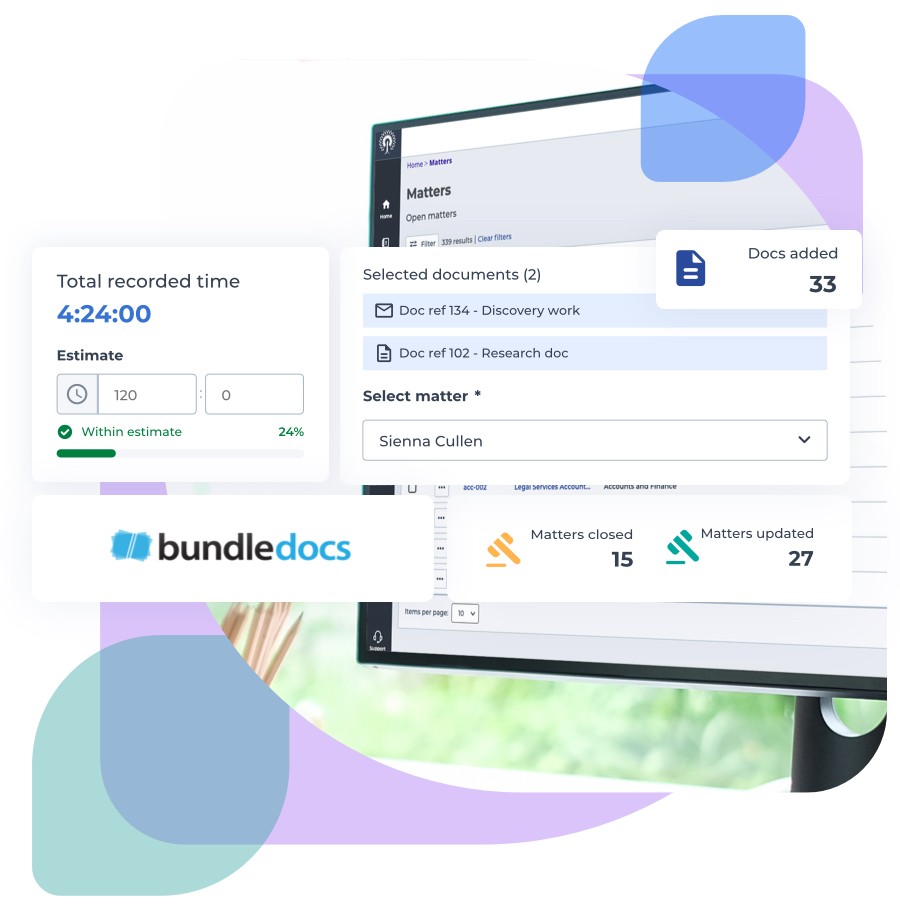
Watch the Full Session: Log in to the Support Portal for the complete recording
Highlights
Key Takeaways from the Iken User Group Event
Explore the most impactful moments from the event

Beginner’s Guide to Cloud
Introducing key differences between Iken Desktop and Iken Cloud, highlighting streamlined cloud-based operations and reduced IT overhead. He explained the cost benefits, future-proofing, and integration with Microsoft 365, emphasising how Cloud supports modern workflows.

Lance Thompson
Client Account Manager
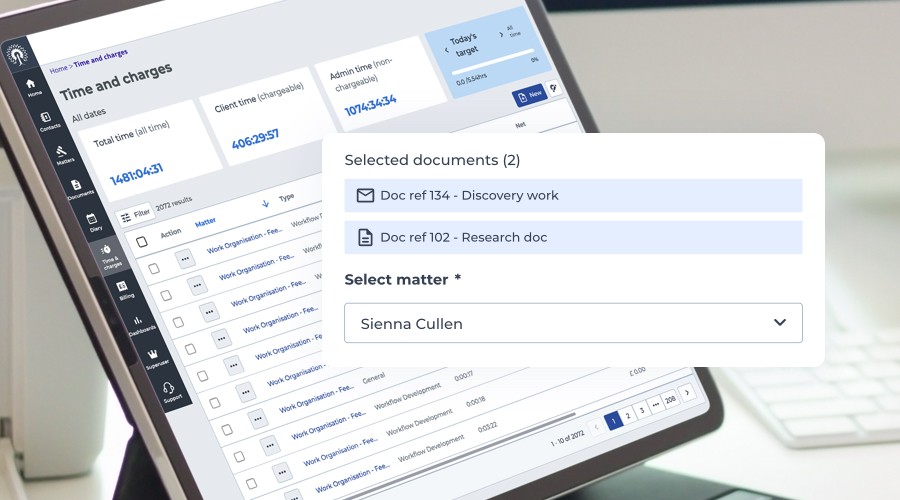
Cloud Demonstration
Our demonstration showcased Iken Cloud’s intuitive features, including customisable dashboards, real-time document integration, workflow automation, and advanced reporting tools. Attendees saw how these capabilities streamline operations and enhance collaboration for improved productivity.

Martyn Gilbey
Sales Leader
Integration with BundleDocs
This session showcased BundleDocs’ seamless integration with Iken, featuring a five-step bundling process, OCR search, custom templates, and secure sharing tools. Attendees learned how it streamlines workflows, saves time, and enhances collaboration for legal teams.

Aisling Murphy
Bundledocs

Q&A with Staffordshire County
Staffordshire County Council shared their migration to Iken Cloud, highlighting enhanced security, improved reliability, and alignment with ICT strategies. They addressed legacy data challenges through careful planning, collaboration, and leveraging Iken’s expertise.

Saskia Aucott
Client Account Manager
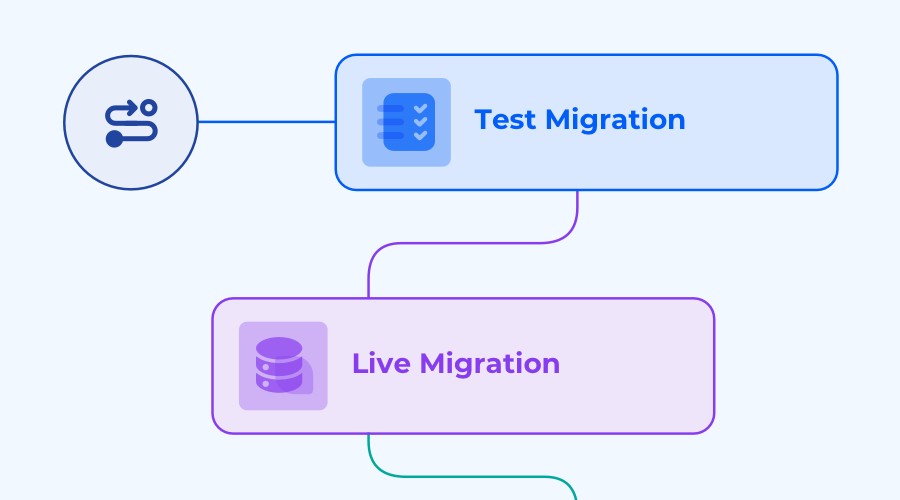
Migration Projects
This session outlined the migration process to Iken Cloud, covering test and live migration phases, user acceptance testing, and training. Kane McEvoy shared strategies for minimising disruption and ensuring a smooth transition, with tailored support throughout.

Kane McEvoy
Senior Project Manager
Product Roadmap
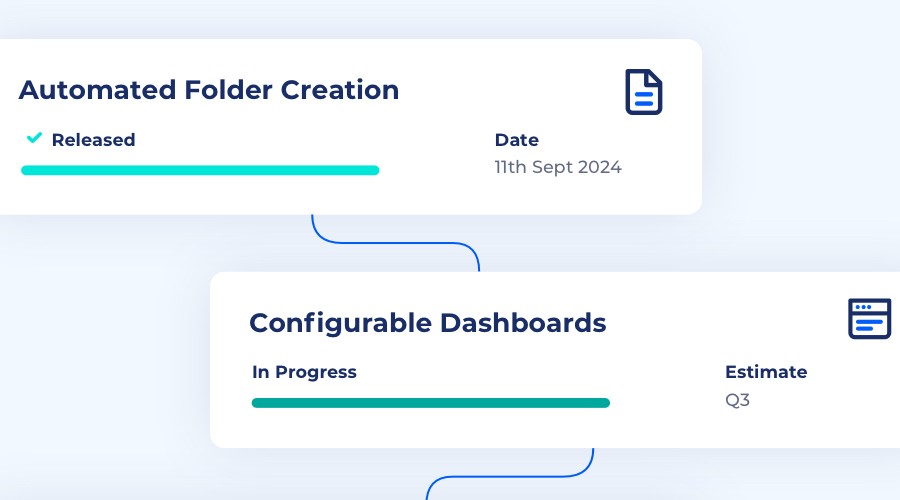
Zak Chester unveiled Iken’s roadmap, featuring automated folder creation, custom dashboards, scheduled reporting, and the new Client Portal. The portal enables external case access, task management, and secure document sharing to enhance collaboration.

Isaac Chester
Product & Innovation Manager


Q&A Highlights
Your Questions, Expert Answers
Dive into the highlights from our interactive Q&A session, where we tackled some of the most pressing questions about Iken Cloud, including:
Bundledocs Integration
Does the Total Cost of Ownership (TCO) include Bundledocs pricing?
The TCO figures shared during the session do not include costs for Bundledocs. Pricing for Bundledocs is provided separately.
How does Bundledocs handle secure file sharing?
Bundledocs supports secure file-sharing solutions. For specific details or assistance, contact your Iken Account Manager.
Can files from Teams Channels be added to Bundledocs?
Files stored in Teams Channels are accessible as network folders and can be added to Bundledocs. IT involvement may be required to ensure access.
Who do I contact for Bundledocs-related support or template updates?
For any Bundledocs-specific queries, including template updates, contact Bundledocs directly as they are covered under a separate contract.
Integration and Workflows
Can Iken Cloud integrate with helpdesk tools or ticketing systems?
APIs in Iken Cloud allow integration with external systems, such as helpdesks or ticketing software. For specific examples, contact your Iken Account Manager.
Does Iken Cloud integrate with Adobe forms or other active PDF systems?
Iken Cloud does not currently integrate directly with PDF forms for templates or precedents. A system-agnostic integration is being considered for future updates.
Can data across multiple workflows be reported on?
Workflow reporting supports data from individual workflows. A proof-of-concept system for multi-workflow reporting is in development.
How customisable is matter information in Iken Cloud?
Core matter data is fixed but includes free-format fields for additional information. Custom fields can also be incorporated into workflows and are fully reportable.
Functionality in Iken Cloud
Can multiple matters be opened simultaneously in Iken Cloud?
Iken Cloud’s browser-based design allows users to open multiple matters in separate browser tabs, each labelled with the matter reference and name.
Can calendar alerts be assigned to shared mailboxes?
Using the “Teams” feature in Iken Cloud, diary items can be assigned to shared group mailboxes, making calendar alerts accessible to multiple users.
Can superuser functions in Iken Cloud be restricted by role?
Access to specific menus and functionality can be restricted based on user roles, similar to Iken Desktop. These restrictions are clarified during the migration process.
Can fee earners view only their allocated matters?
Iken Cloud enables filtering to show only open matters assigned to a specific fee earner. Dashboards also allow direct navigation to these matters through reports.
Security and Compliance
Does Iken Cloud integrate with secure email solutions like Cryptshare and Egress?
Iken Cloud works seamlessly with encryption services that integrate with Microsoft Exchange. Compatibility is reviewed during project initiation to ensure functionality.
Can confidential or sensitive emails be imported into Iken Cloud?
Emails marked with Outlook sensitivity labels, such as private or confidential, can be imported seamlessly. Third-party encryption service compatibility may vary, but no issues have been reported by current clients.
Migration to Iken Cloud
How long does migration to Iken Cloud take?
Migration projects typically take 10-12 weeks from initiation to go-live. A one-week read-only access period is expected during the transition.
What happens during system downtime in migration?
During downtime, data is read-only. Emails and time recordings can still be logged and imported into Iken Cloud after go-live. Detailed guidance is provided during the migration process.
Stay Updated on Future Events
Don’t miss out on insights, resources, and upcoming events. Sign up to stay informed.
